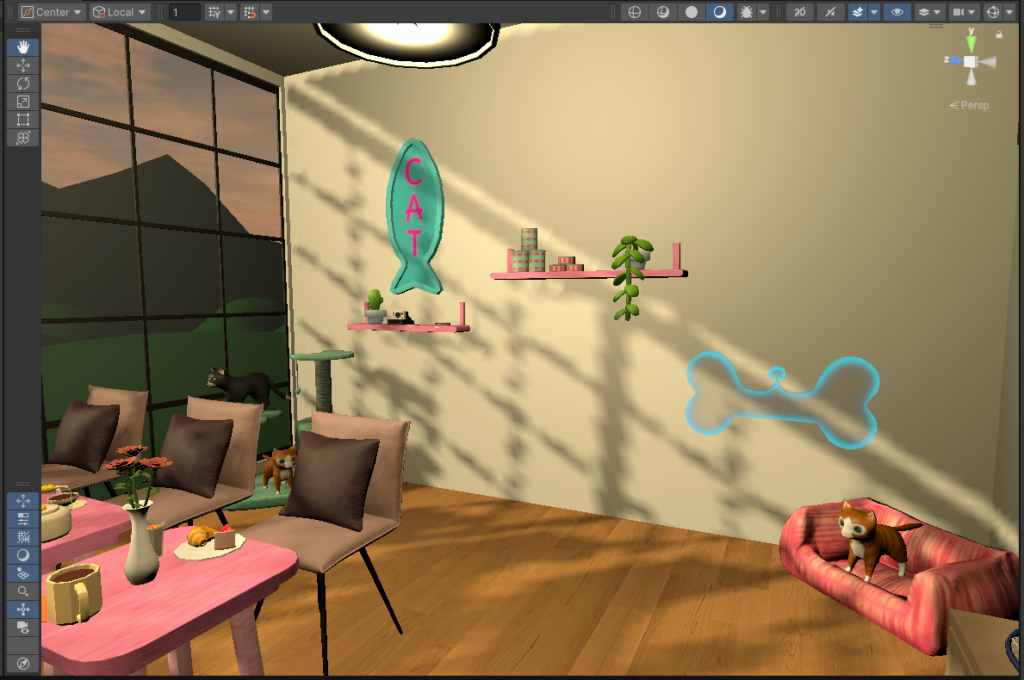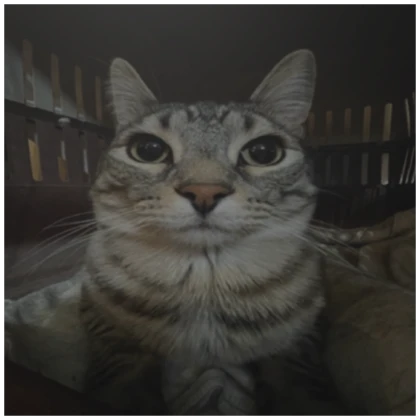
This week, I really got into following the Create with VR tutorial and started working on my VR room. At first, it felt a bit overwhelming because there was so much to do, and the tutorial estimated 9.5 hours each across three sections. However, it wasn’t as bad as I thought. I realized that I could watch the videos at 2x speed while keeping up, which helped me get through the first section much faster. This also gave me extra time to troubleshoot any issues that came up.
One of the biggest challenges was that the tutorial was using an older version of Unity, while I was working in a newer version. Many features were deprecated or had been moved, so I spent a lot of time searching for things and deciding whether to use the old versions or find new alternatives. Sometimes, Unity would suggest replacements, which made things easier, but other times, there wasn’t a direct alternative, making the process more frustrating. This was a great learning experience, though, because it taught me how to problem-solve and adapt when working with updated software.
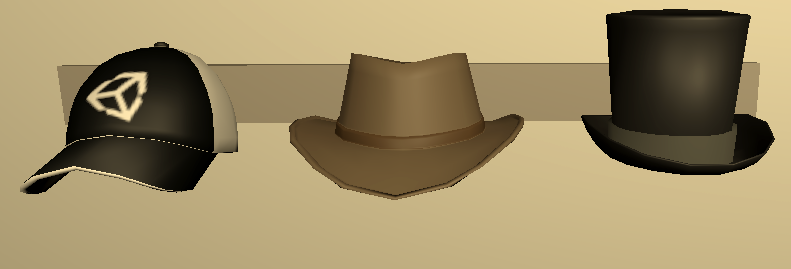
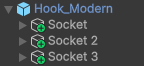
This week, we also had a Blender workshop, which I really enjoyed! We used the 3D scans from last week’s Polycam workshop, imported them into Blender, and cleaned them up a bit. This was super useful because it showed us how to fix and optimize our scans, making them look better and work properly if we wanted to use them in our VR rooms. I liked learning the different tools in Blender and how to refine models, as this will definitely be helpful for making assets in the future.
In Unity, I completed the VR Basics section, which covered locomotion, grabbable objects, and sockets. This section was quite difficult since it was my first time using Unity, so every error I ran into was completely new to me and fixing them took longer than I expected. That said, I feel like I’m getting more comfortable with Unity as I go. I also really enjoyed working on the design side of the project, and I’m looking forward to experimenting with more creative elements in my VR room.
Looking ahead, I know I still need to improve my coding skills, especially with C# scripting, so I plan to practice outside of class using resources like Codecademy. While Unity makes things quite intuitive, scripting adds an extra layer of complexity that I want to get better at. Overall, I’m really enjoying building my VR room, and I’m excited to move on to the next section!